The Ultimate Guide to Phishing Email Security: How to Spot and Avoid Threats
Learn how to identify phishing emails, protect your organization from social engineering attacks, and implement effective security measures.
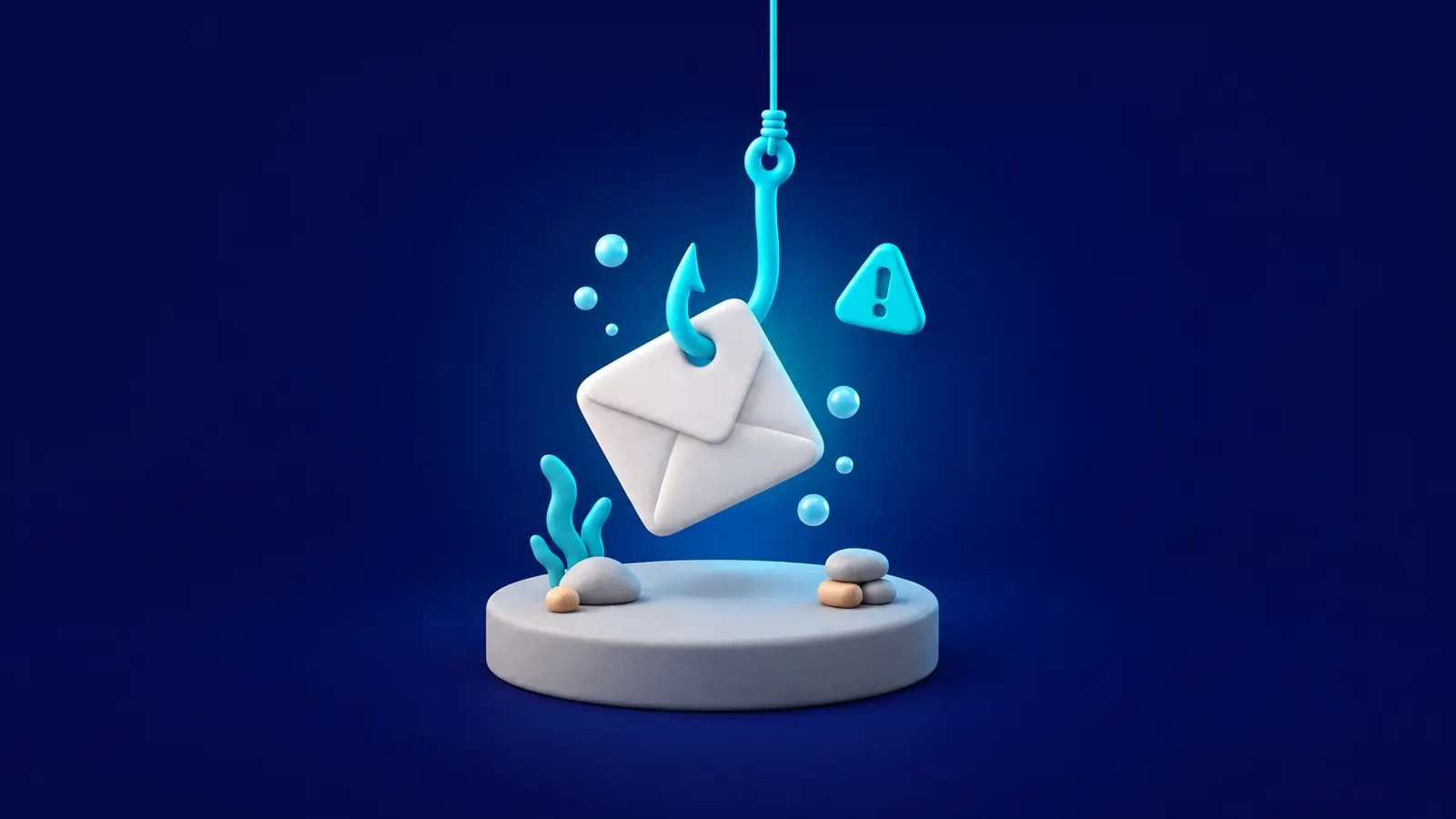
Phishing emails remain one of the most common and effective ways cybercriminals get into a business. These deceptive messages are designed to trick recipients into revealing sensitive information, downloading malware, or authorizing fraudulent transactions. Understanding how to identify and avoid these threats is critical for every organization.
The first line of defense is recognizing common phishing indicators. Be suspicious of emails with urgent language demanding immediate action, requests for sensitive information like passwords or financial data, unexpected attachments or links from unknown senders, generic greetings like "Dear Customer" instead of your name, and poor grammar or spelling errors that legitimate organizations rarely make.
Sophisticated phishing attacks, known as "spear phishing," are highly targeted and personalized. Attackers research their victims on social media and company websites to craft convincing messages that appear to come from colleagues, vendors, or executives. Always verify unexpected requests through a separate communication channel, especially those involving money transfers or credential changes.
Before clicking any link in an email, hover over it to preview the actual URL. Phishing links often use misleading text that displays one address while directing you to a completely different, malicious website. Look for subtle misspellings in domain names like "paypa1.com" instead of "paypal.com" or "micros0ft.com" with a zero instead of the letter O.
Email attachments are another common delivery method for malware. Never open unexpected attachments, even if they appear to come from someone you know. Their account may be compromised. Be especially wary of file types like .exe, .zip, .scr, or Office documents with macros enabled. When in doubt, contact the sender through a different method to verify they actually sent the attachment.
Modern phishing attacks increasingly rely on brand impersonation, using logos, layouts, and language that closely mimic legitimate companies. Check the sender's email address carefully: phishing emails often use addresses that look similar to real ones but contain subtle differences. Don't follow unexpected password-reset or verification links. Open the service's website or app yourself and check there.
If you receive a suspicious email, don't click any links or download attachments. Report it to your IT department or security team immediately. Most email clients have a "Report Phishing" or "Report Spam" option that helps improve filtering for everyone. Don't delete the email after reporting it: IT may need it to investigate and to quarantine or remove the same message for everyone else, so leave that step to them. If you accidentally clicked a link or provided information, notify your security team right away so they can take protective measures.
At clicrite, we understand that human error is inevitable, which is why our phishing protection does not stop at the email filter. We use email filtering that checks senders, links and attachments to block many phishing attempts before they reach your inbox. We also provide interactive security awareness training that simulates real-world phishing scenarios, helping your team develop the skills to recognize and respond to threats effectively. With regular training and simulated phishing tests alongside that filtering, your team gets better at spotting the ones that get through.