Rethinking Remote Access: Why Traditional VPNs Are Becoming Obsolete
Traditional remote access tools like VPNs are cumbersome and often insecure. Discover why cloud solutions have changed the game and what to do when you still need remote desktop access.
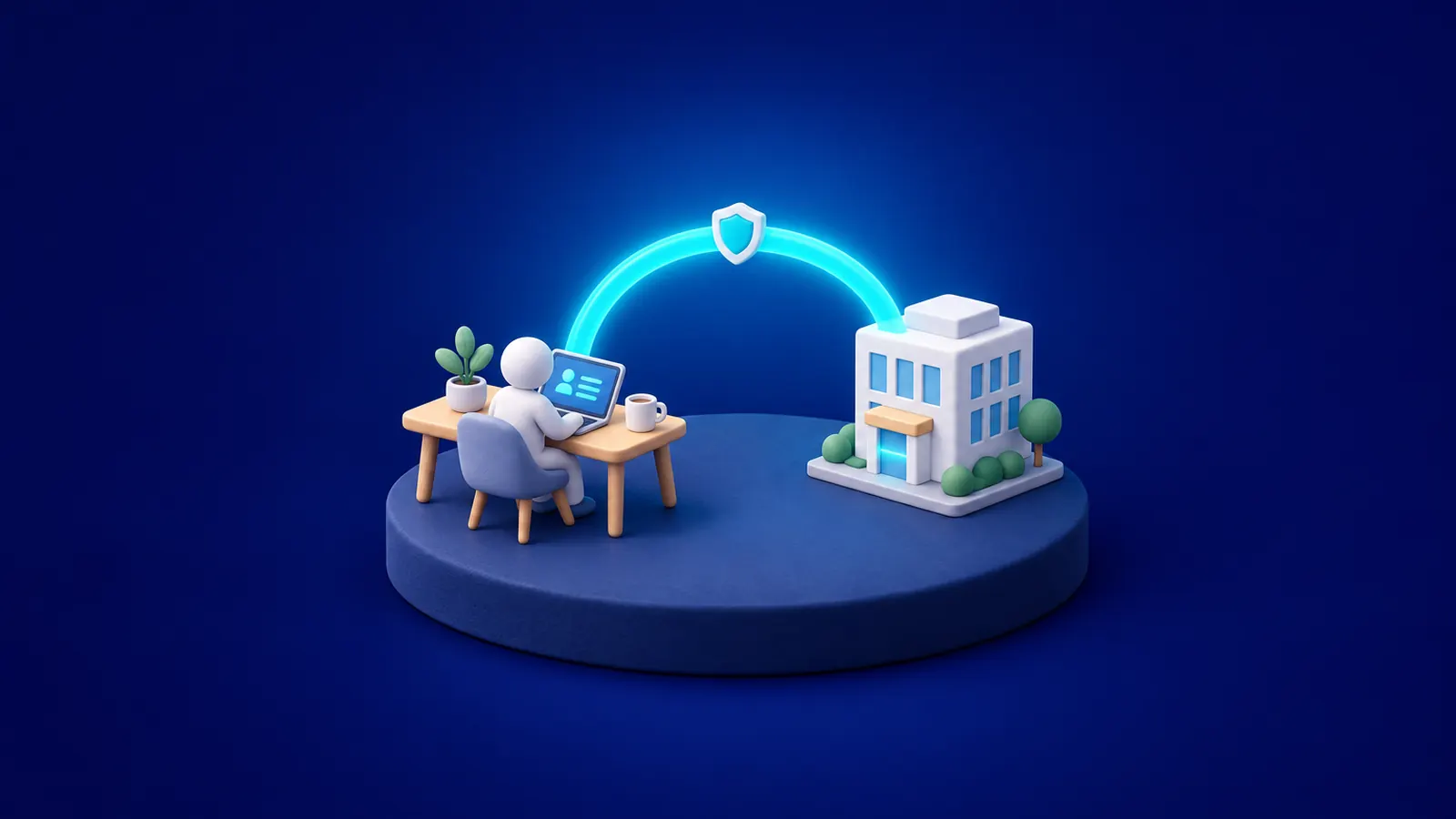
For decades, Virtual Private Networks (VPNs) have been the standard solution for remote access, but they're increasingly becoming a liability rather than an asset. Traditional VPN solutions like SonicWall require complex configuration, frequent troubleshooting, and create frustrating user experiences. Even worse, many legacy VPN implementations have significant security vulnerabilities that expose organizations to unnecessary risk.
The fundamental problem with VPNs is that they grant broad network access once a user authenticates. This "trust but don't verify" approach means a compromised credential can give an attacker access to your entire internal network. VPNs also create performance bottlenecks, require constant maintenance, and often fail when users need them most, creating IT support headaches and productivity losses.
The reality is that for most modern business workflows, VPNs are no longer necessary. Cloud-based collaboration tools have fundamentally changed how we work. Microsoft 365, SharePoint, and OneDrive enable employees to access documents, emails, and applications from anywhere with just an internet connection. Files automatically sync across devices, multiple users can collaborate in real-time, and everything is protected with encryption and multi-factor authentication.
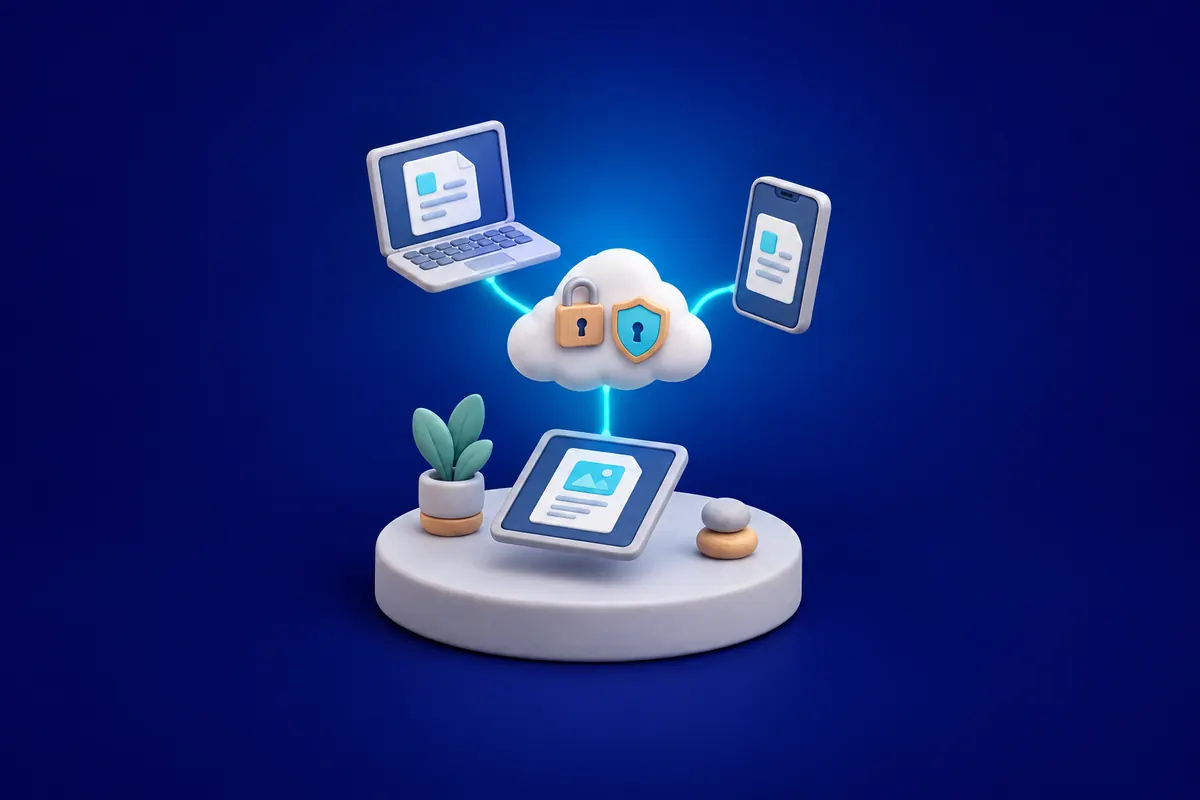
Cloud services offer significant advantages over VPN-based remote access. Users can work from any device without complex setup, IT teams have centralized security controls and monitoring, automatic updates keep everyone on current features and security patches, and built-in redundancy and backup protect against data loss. For most employees, this cloud-first approach eliminates the need for traditional remote access entirely.
However, some business-critical applications still require access to on-premises systems. QuickBooks Desktop, industry-specific legacy software, specialized manufacturing equipment interfaces, and local servers with databases that haven't been migrated to the cloud all need solutions that go beyond what SharePoint and OneDrive can provide.
Traditional Remote Desktop Protocol (RDP) solutions come with their own challenges. Exposing RDP directly to the internet is a massive security risk, constantly targeted by automated attacks. Managing RDP access through VPNs brings back all the hassles we just discussed. Users struggle to remember server names and IP addresses, and IT teams spend countless hours resetting connections and troubleshooting access issues.
At clicrite, we've developed a proprietary remote access solution that solves these problems with elegance and security. Our platform provides each user with a personalized web portal where they can simply click on their computer name and securely connect: no VPN required, no complicated setup, no remembering IP addresses. Behind the scenes, we implement zero-trust security principles with multi-factor authentication, encrypted connections, session monitoring, and granular access controls, so users reach only the systems they are allowed to use. Our solution is specifically designed for applications like QuickBooks Desktop and other on-premises software that genuinely require remote desktop access, and works alongside your Microsoft 365 environment for everything else. The result is a secure, user-friendly experience: people sign in and get straight to their work, without the dropped connections and clumsy client software that make traditional VPNs a constant source of help-desk calls, while your security posture actually improves.