The Email Really Was From Adobe. It Still Cost Them Their Mailbox.
The signature request was real, sent through Adobe Sign from Adobe's own servers. When to be suspicious, and what to check before you act.
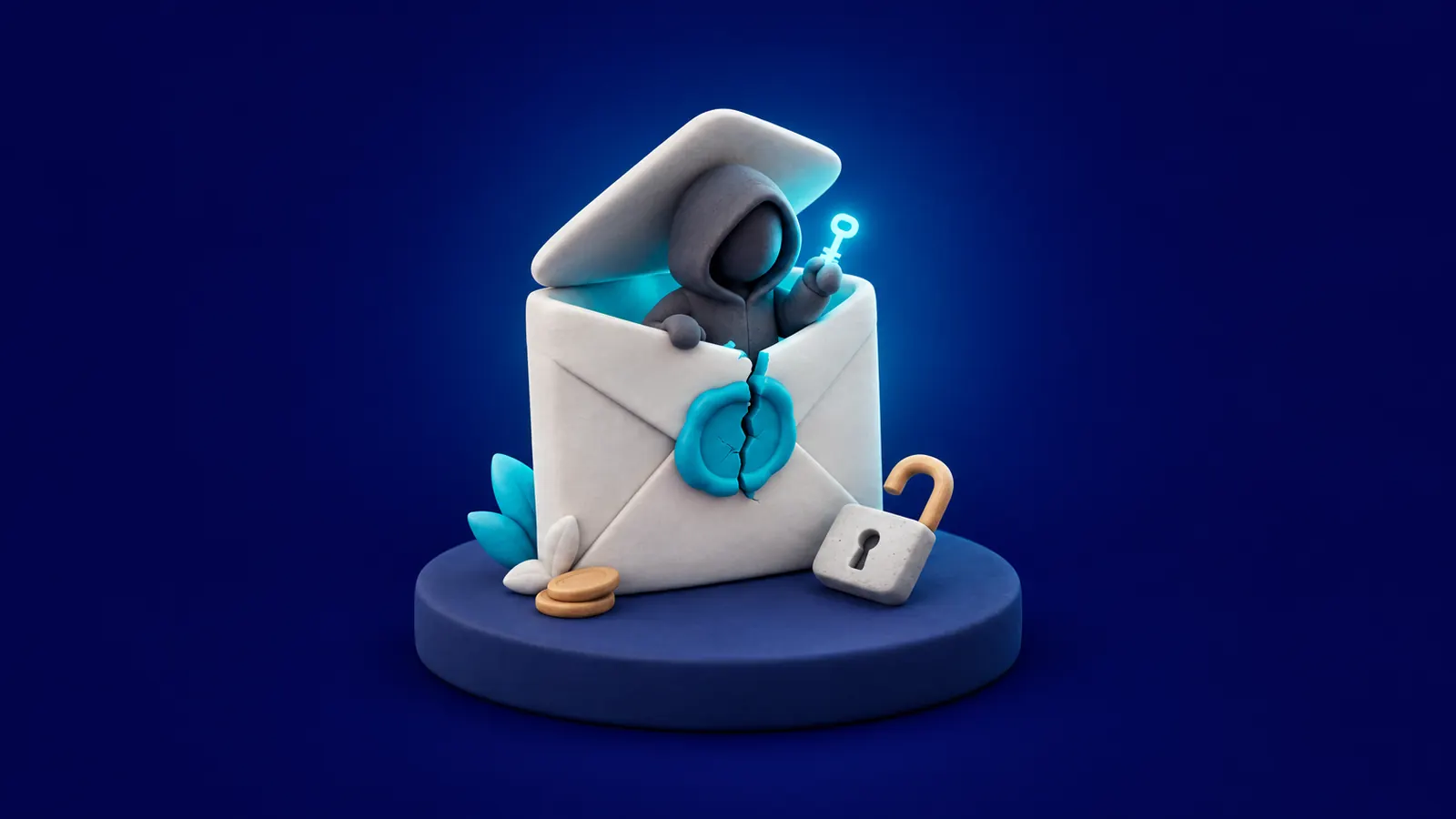
An employee at a business we work with lost her mailbox recently. The email that did it was real: sent through Adobe Sign, from Adobe's own servers, on behalf of someone she had worked with before. Every filter let it through. The trap was a link inside the document, and a page that asked for her Microsoft password.
Then nothing seemed to happen. Nothing was sent, nothing was deleted. They just read her mail: her contracts, her bank details, her client list, and the password reset link for every other account she owns. And they can wait months before using any of it.
Know when to be suspicious
- A page asks for your password or a code This is the big one. It can be genuine, but it is the moment you have the most to lose.
- A document or attachment you did not ask for Invoices, forms, or signature requests you were not waiting on.
- You were not expecting it Out of the blue, or from someone who does not usually email you.
- An unusual request for that sender Not something they would normally ask of you.
- You are asked to download or install something Software, an update, or a "required" tool.
- It pushes you to act now Urgency is there to stop you thinking.
Check these signs
- The web address Read the name just before the first single slash. Microsoft signs you in at login.microsoftonline.com.
- The sender's full address Look at the actual address, not just the display name.
- The reply-to address See where a reply would really go before you send one.
- The sender, on a number you already have Never the number in the email. Do not reply to the email to ask, or you may be asking the attacker.
Everything in this attack was real until that last page. Logos and display names are easy to copy. Check the full domain against one you already know, and call IT if you are unsure.
Still unsure? Call IT.
We would rather take five extra calls a day than clean up one breach. And if you already clicked, say so immediately. Nobody will be annoyed. The damage happens in the hours when nobody knows.
- Tell IT right away.
- Change your password from another device, and sign out everywhere.
- Do not delete the email. IT needs it.
- Ask IT to check your mailbox rules and forwarding.
At clicrite, we train teams on attacks that look like this one, and lock down Microsoft 365 so a stolen password is not enough on its own. Ask us how your team would have handled it.